Your device comes first
Changes are instant; syncing happens afterwards.
One library, private and always at hand.
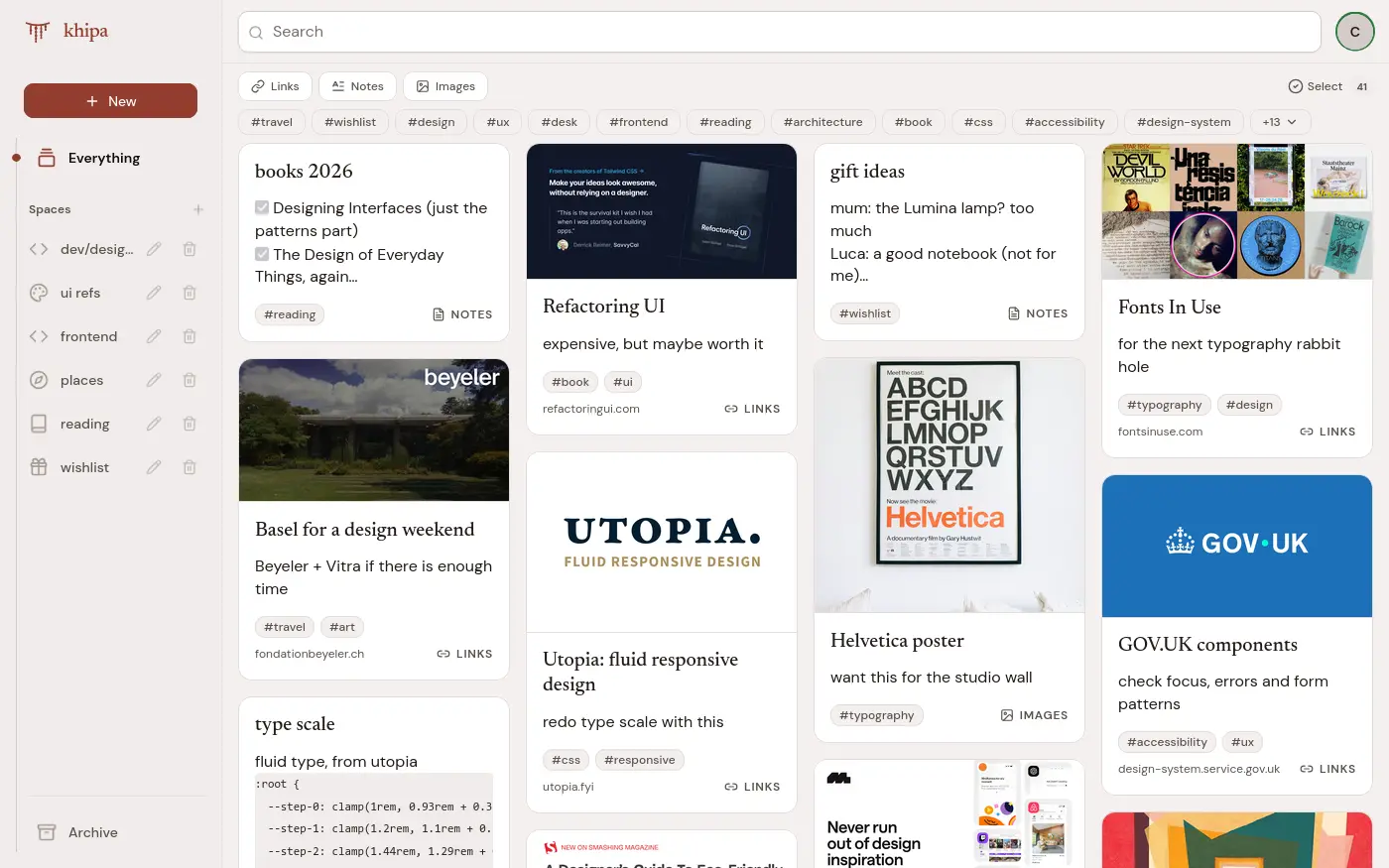

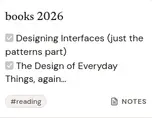
Everything is saved on your device first and shows up instantly. It syncs quietly afterwards: on a train, on a plane, on a slow connection.
Paste a link and khipa fetches the title, description and image.
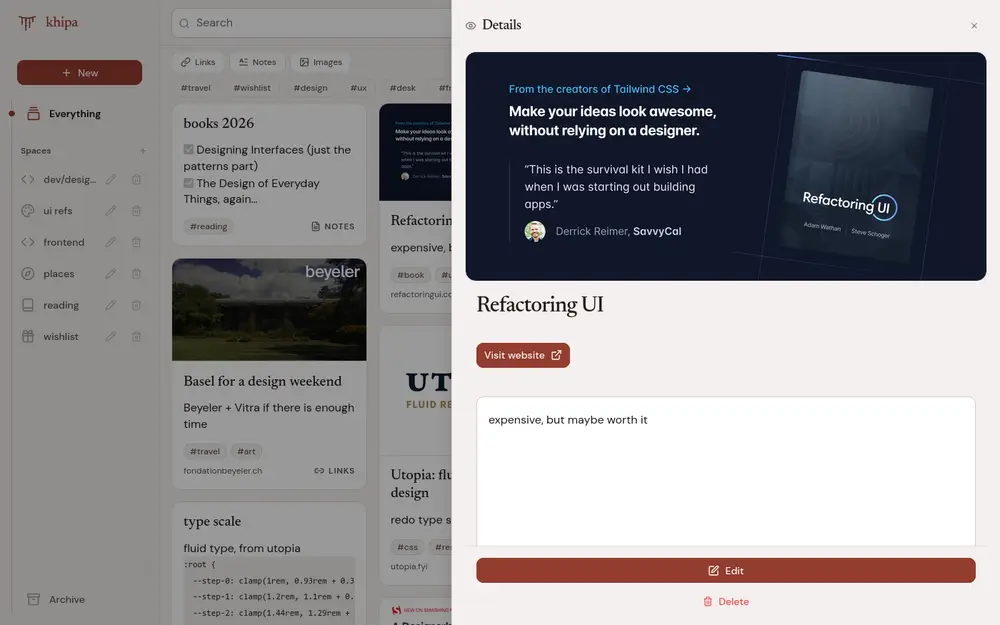
Real notes with headings, lists and code, in a clean editor.
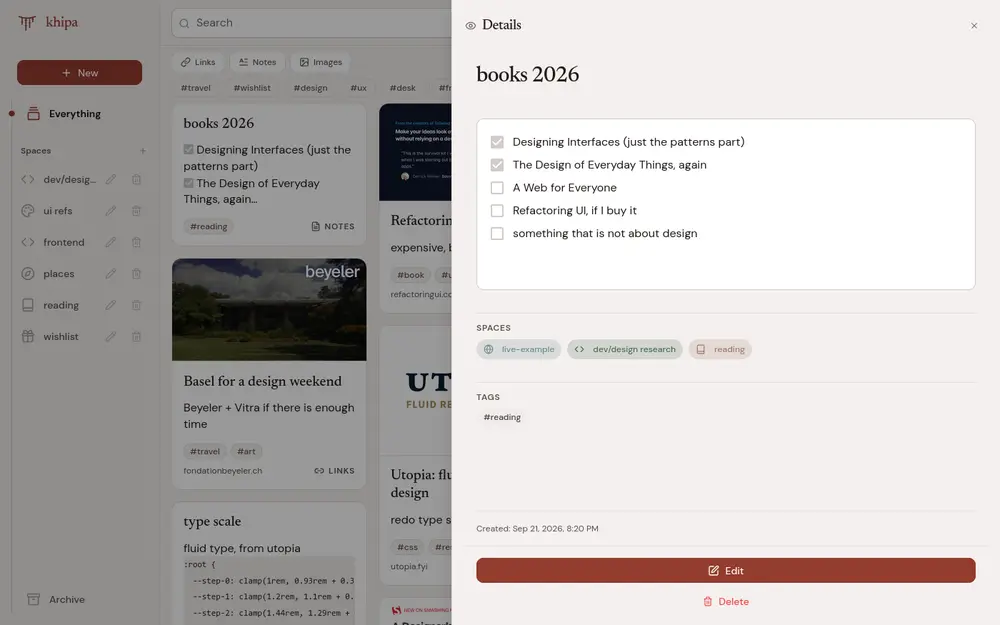
Keep them next to the links and notes they belong with.
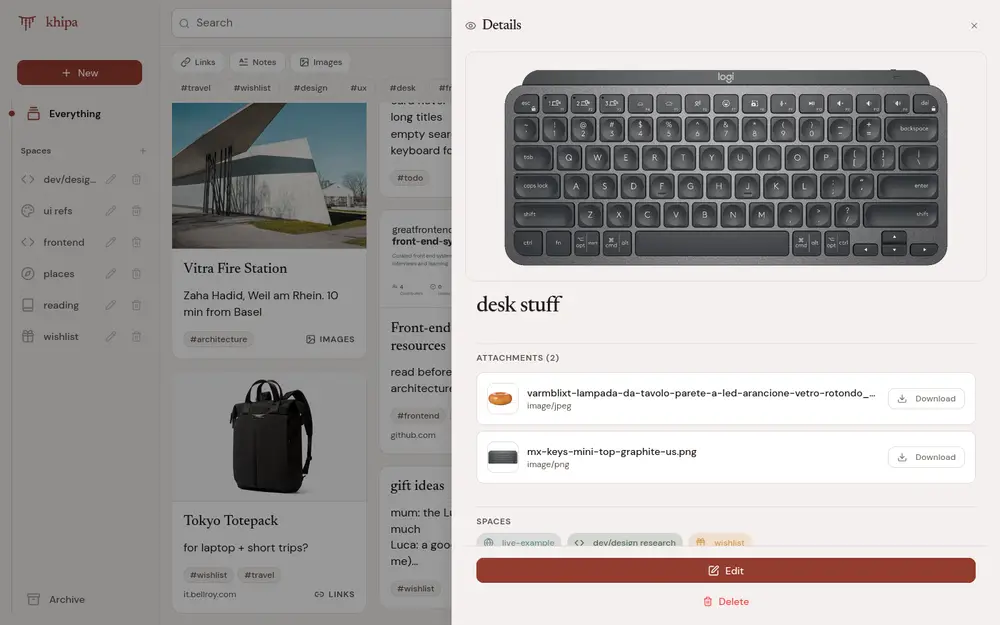
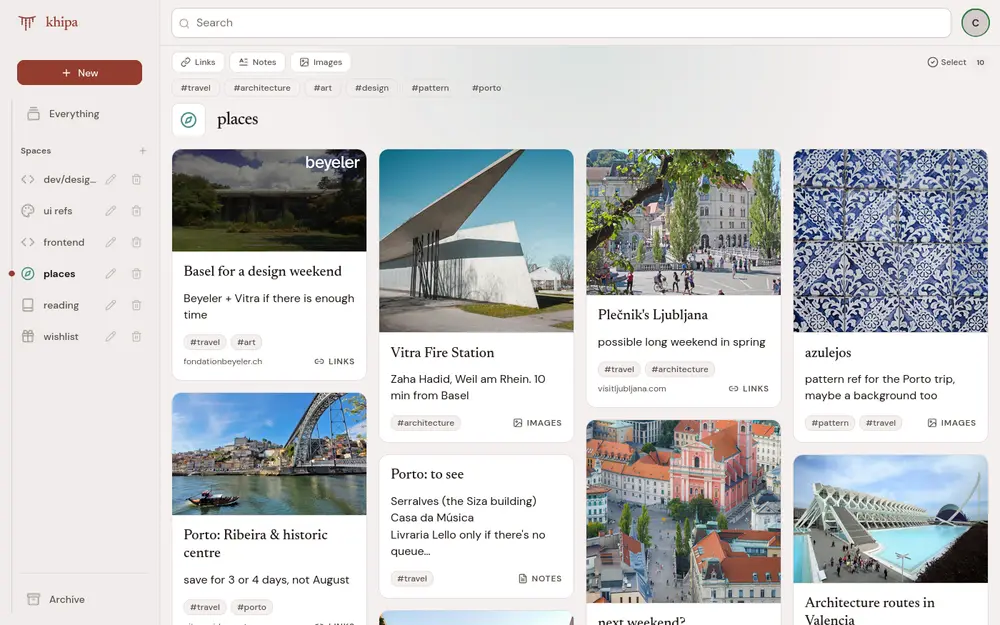
Put items into a space and they stay there. One item can sit in as many spaces as you like.
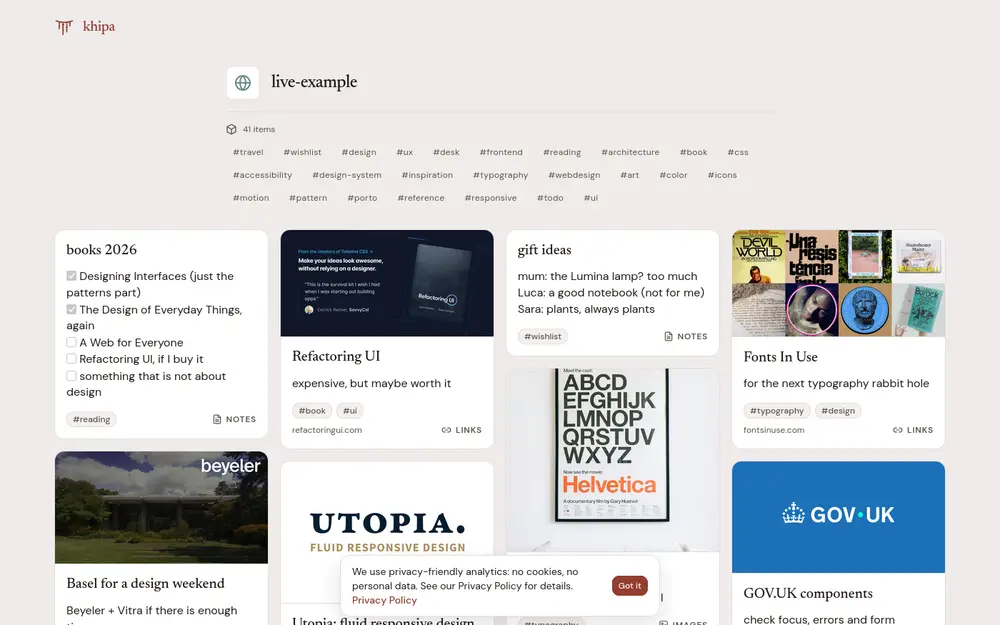
Private by default. Share only the spaces you choose, with a link: no account is needed to view them.
Changes are instant; syncing happens afterwards.
Export everything or delete your account, any time.
Nothing to scroll, just what you saved.
A paid plan is coming. Existing accounts will be told before anything changes.
Create your free account